
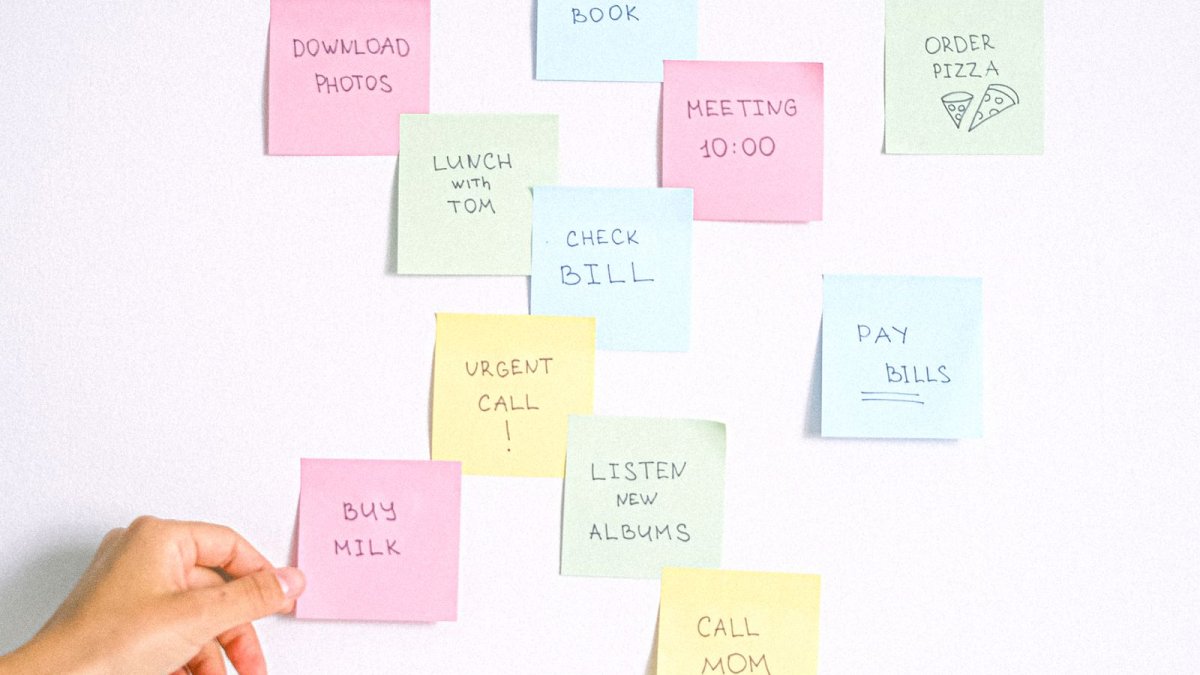
"Pump up the wheels," "wipe down the windows," "go pick up the change" — assignments like these usually live in chats or on a scrap of paper by the till and get lost easily. In RentOS there's a simple board for them — the "Tasks" module, and it's specifically built so it doesn't turn into yet another system you have to learn.
Three Statuses — and Nothing Extra
No due dates, no priorities, no recurring tasks or attachments — just "To Do," "In Progress," and "Done." The Owner writes a title and, if needed, a short description — that's it. This is a deliberate limitation: the fewer fields it takes to create a task, the more likely people are to actually use it.
Its Own Board for Every Point
A task is tied to a specific point, not to the business as a whole — if there are several points, each has its own board, and an employee only sees tasks where they're currently working. You can assign it to specific people, or leave the field empty — then every employee at that point will see the task.
For the Employee — Just a Card on the Home Screen
There's no separate section in the employee app: tasks for their point show up right on the home screen, with a counter of "how many are still active." Tapping a task is one button: "Start" or "Done," depending on the current status. An employee can only move a task forward, one step at a time — only the Owner can cancel a task or move its status back.
The Notification Arrives Once — on Creation
When the Owner creates a new task, the assigned employees (or everyone, if the task is shared) get a push notification right away. After that — silence: neither a status change, nor completion, nor deletion generates a notification. That's deliberate too: a task is a short request, not a reason for a stream of messages.
Not a Task Tracker, and It Shouldn't Be
If you need a full-fledged project tool with deadlines and a change history, that's not what this module is for. "Tasks" in RentOS solves a narrower, far more frequent problem: quickly tell an employee what needs to be done, and see whether it's done, without opening a separate app for it.
 Русский
  English
  Українська
  Italiano
  Română