
Each has its own mode: logged a launch. handed out a wristband. sold a ticket. sold a product. Submitted the results.
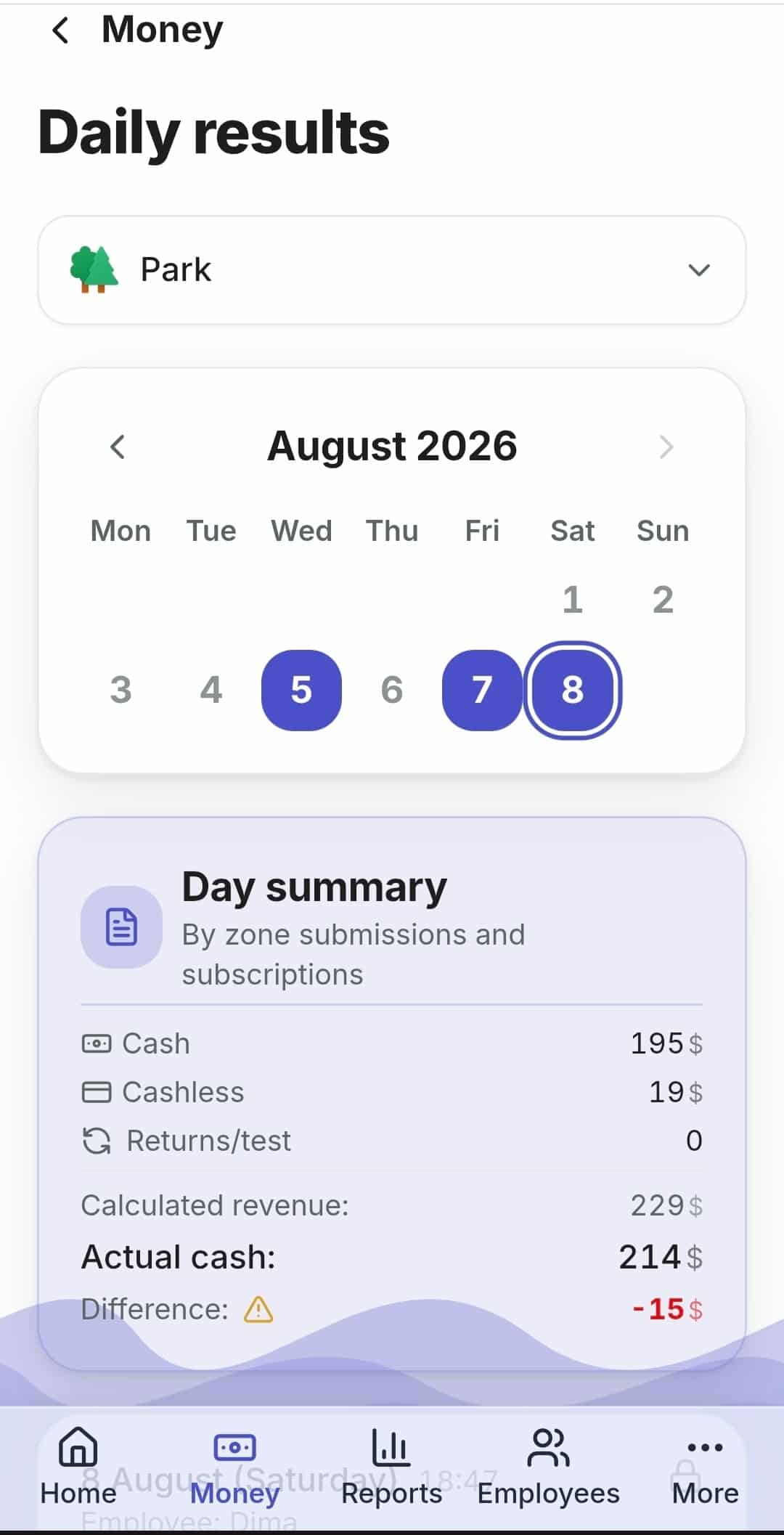
RentOS works out how much should be in the register. The employee enters what actually turned up. You see the difference the same evening, for every zone and every employee.

The mode depends on how you take the money
Counters
Electric car #2
Was 1,450
Now 1,478
Nothing extra to buy. If there is already a meter, we read it; if not, the employee taps to log the ride.
This is how vehicle rentals count: electric cars, karting, quad bikes.
Learn more →
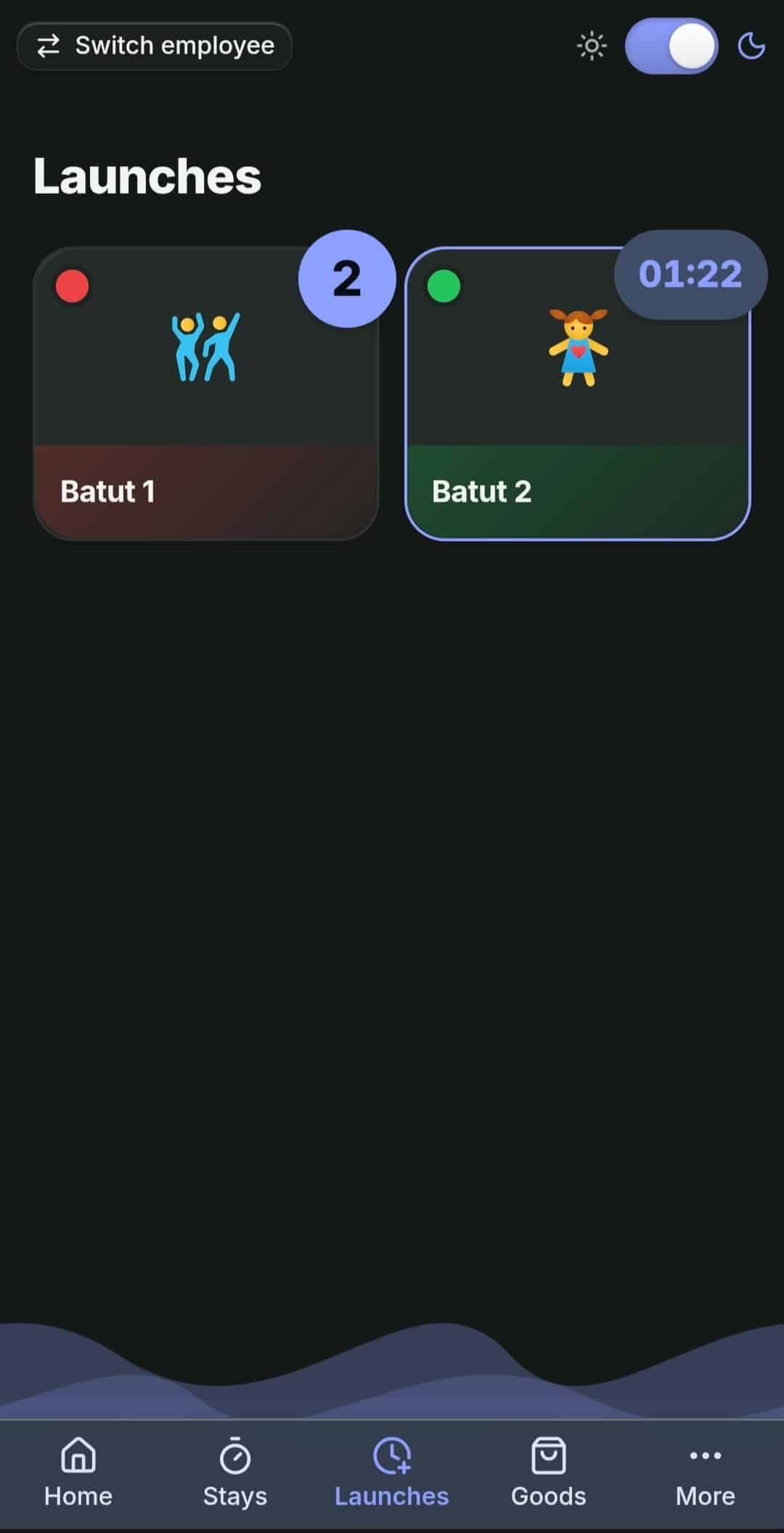
Launches
Trampoline
No timer 9 × 200
With timer 5 × 300
Nothing extra to buy.
This is how anything one-off counts: trampolines, karting, electric cars without a meter.
Learn more →
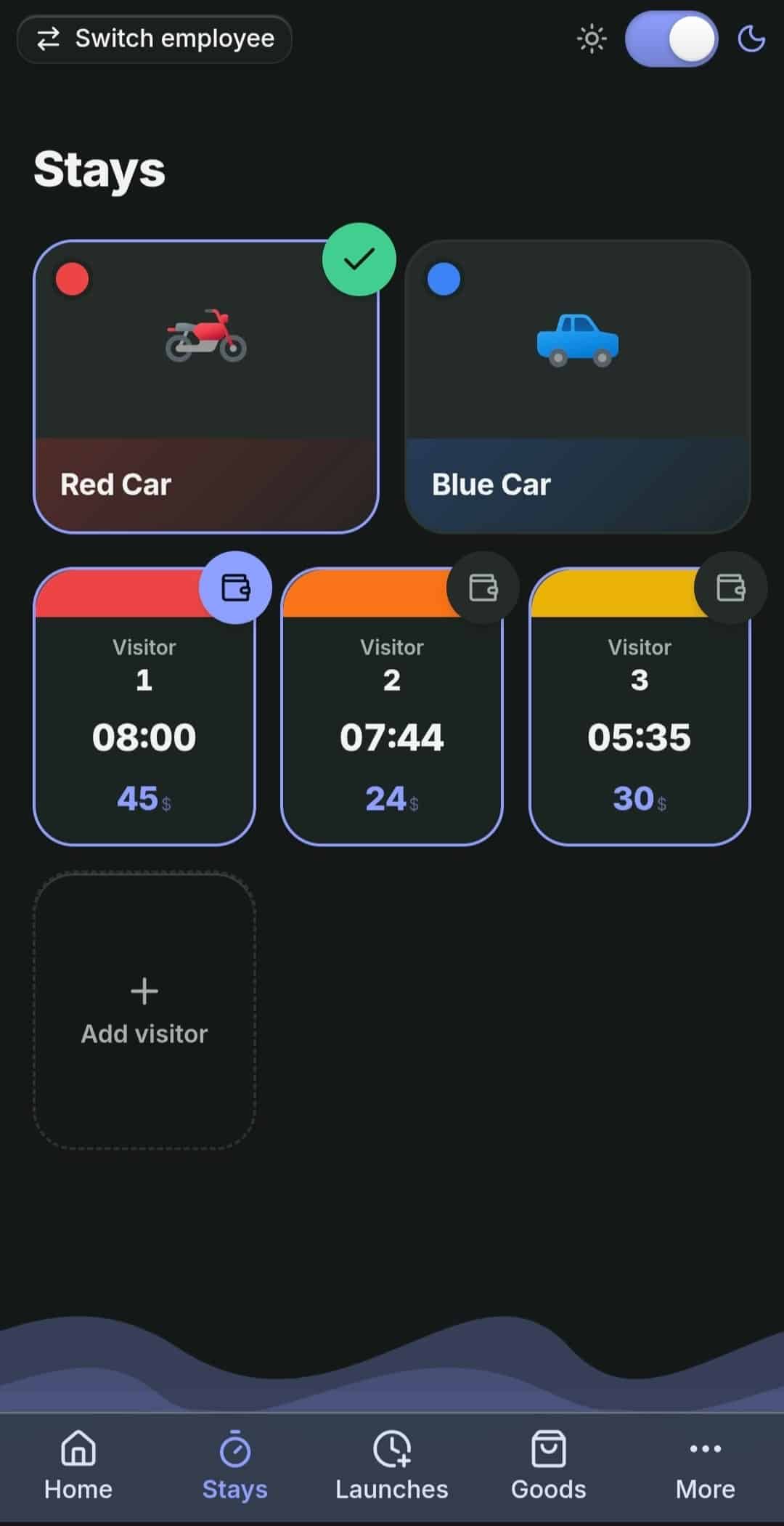
Stays
Wristband #7
In 14:05
Out 15:12
Nothing extra to buy.
This is how playrooms, VR clubs and hourly arenas count.
Learn more →
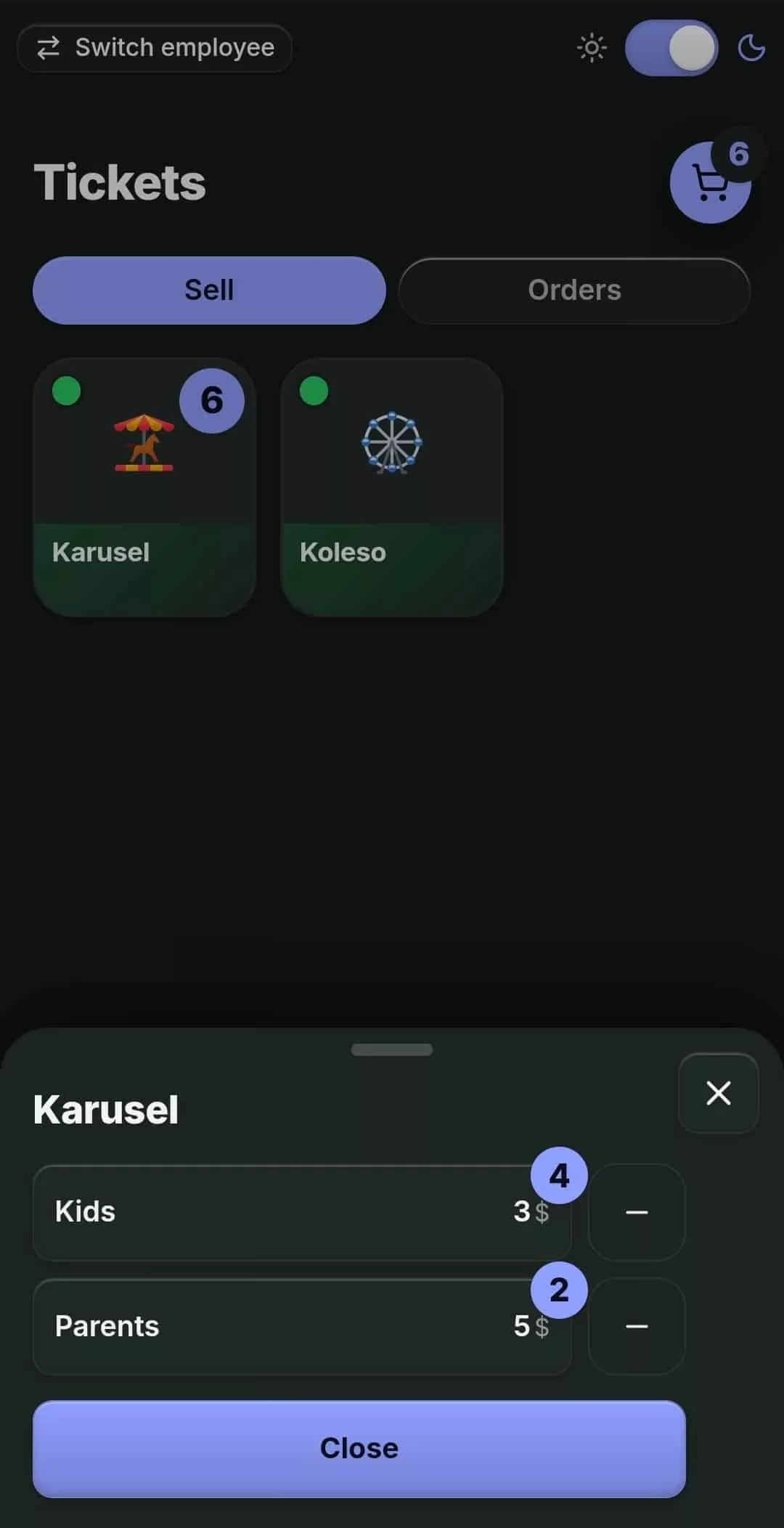
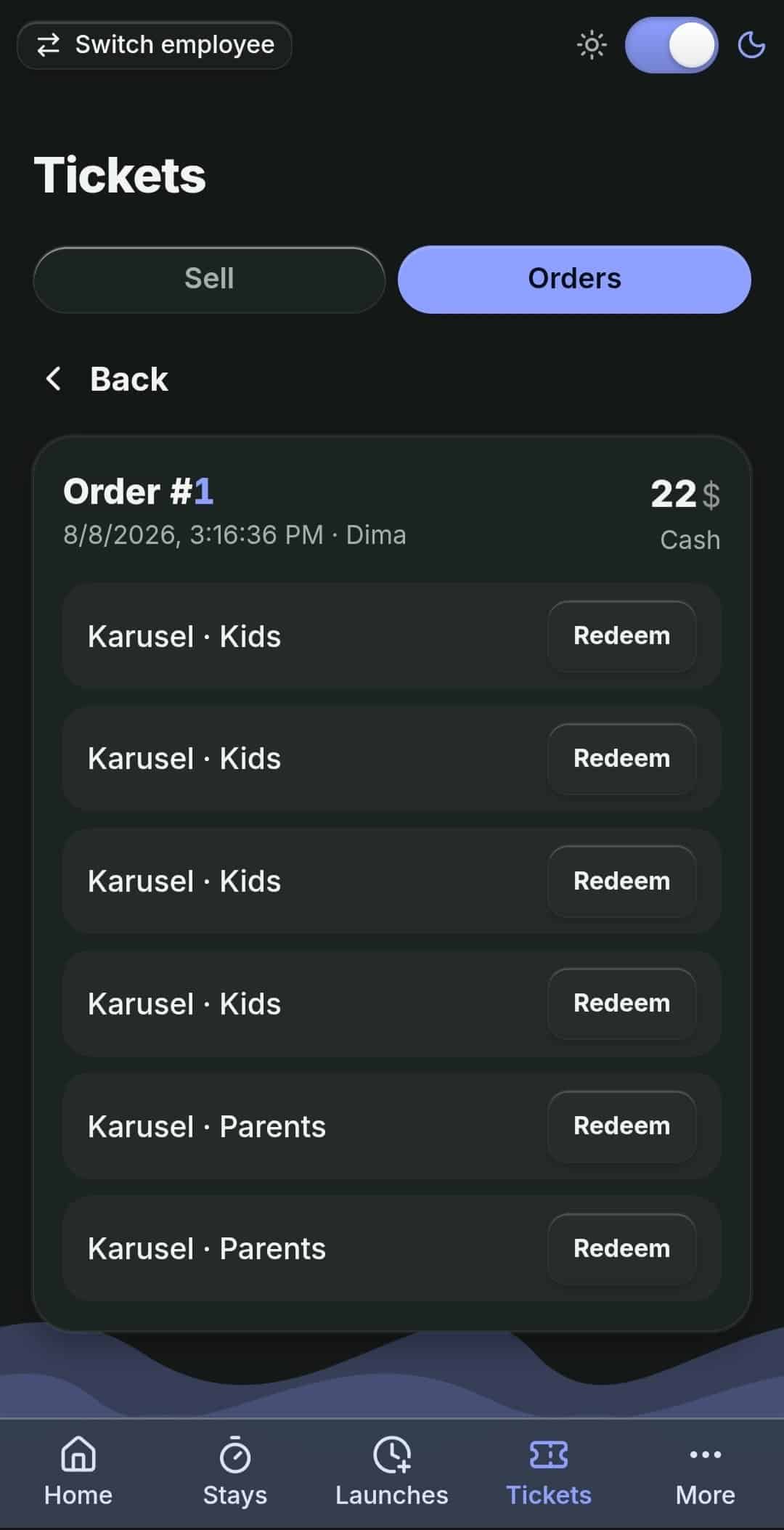
Tickets
Order #12
Adult 2 × 150
Child 3 × 100
Nothing extra to buy, a printer only if you want one.
This is how amusement parks, escape rooms and workshops count.
Learn more →
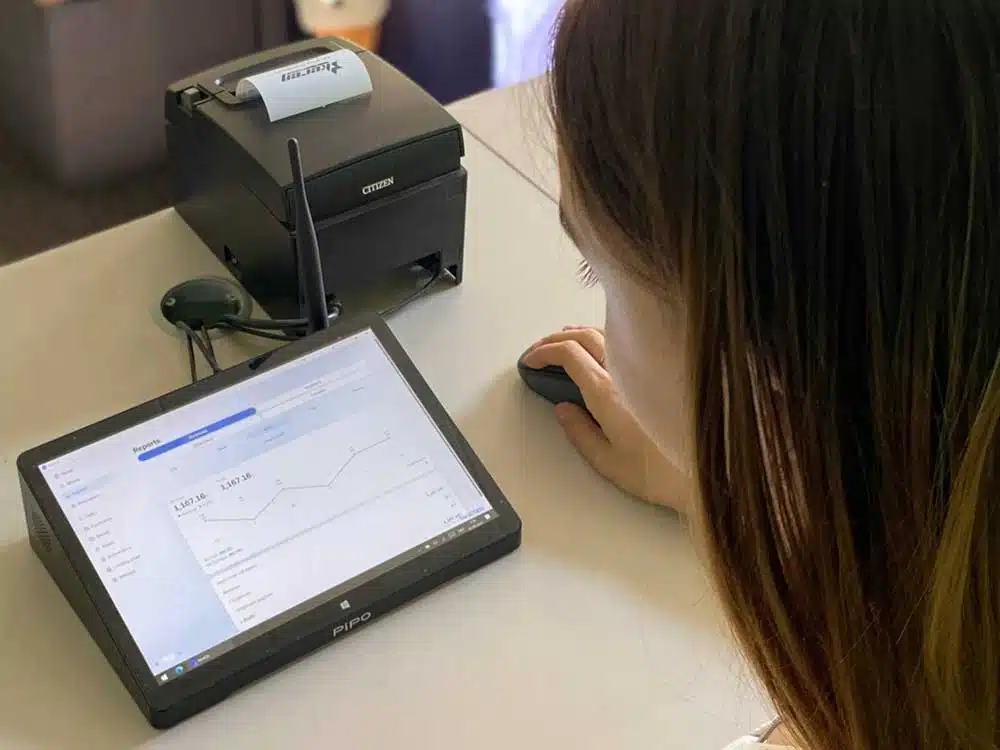
Works on any device. An old tablet, an ordinary smartphone or the computer at the counter. Hardware makes the accounting stronger, but no mode requires it.
Modes can be mixed. A location can have any number of zones in different modes — they live in one dashboard and one cash register. How that looks where a register, a rental and a trampoline stand side by side is covered in the article on revenue control in a small amusement park.
Exactly the access that is needed
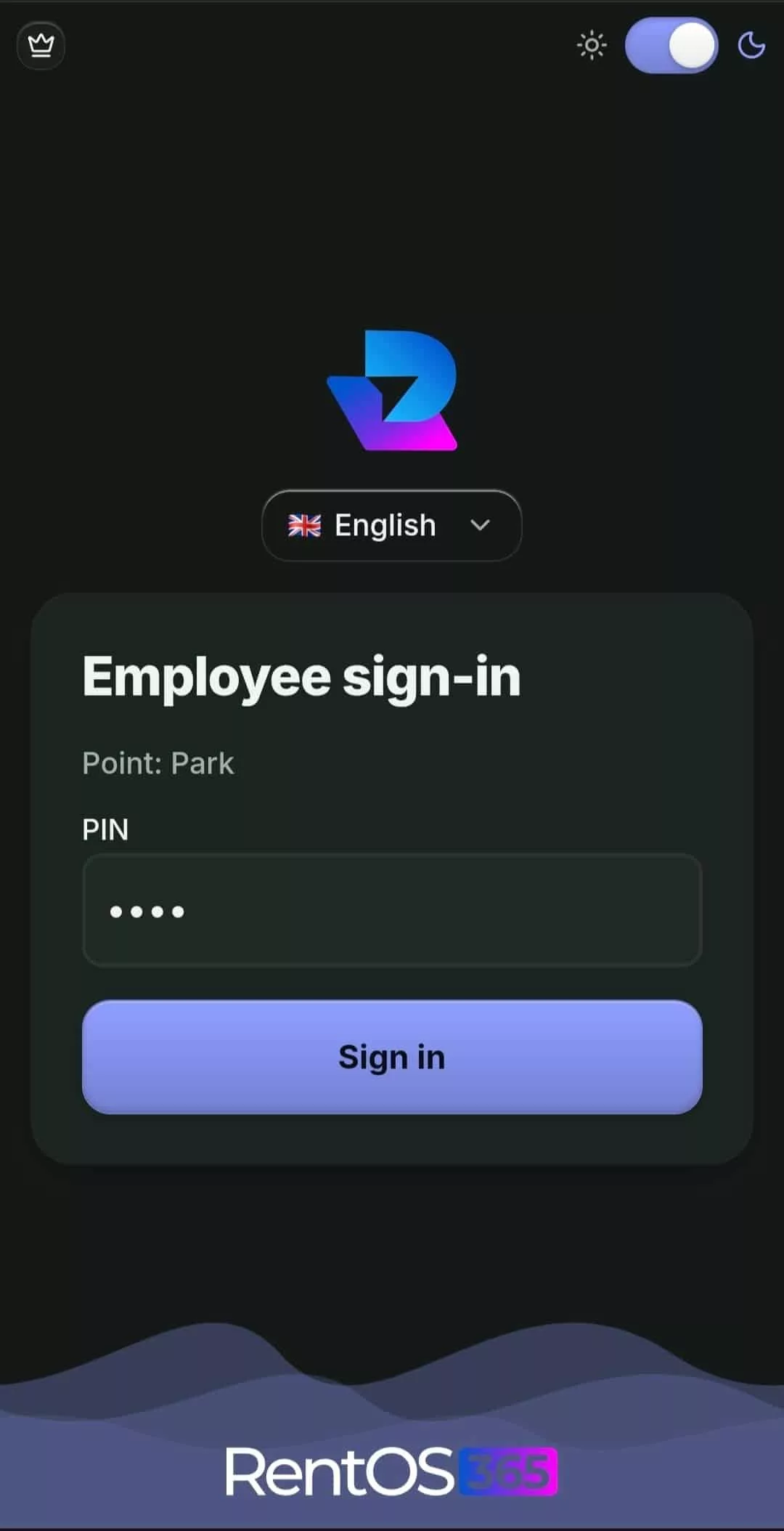
A PIN instead of an account
Only their own zones
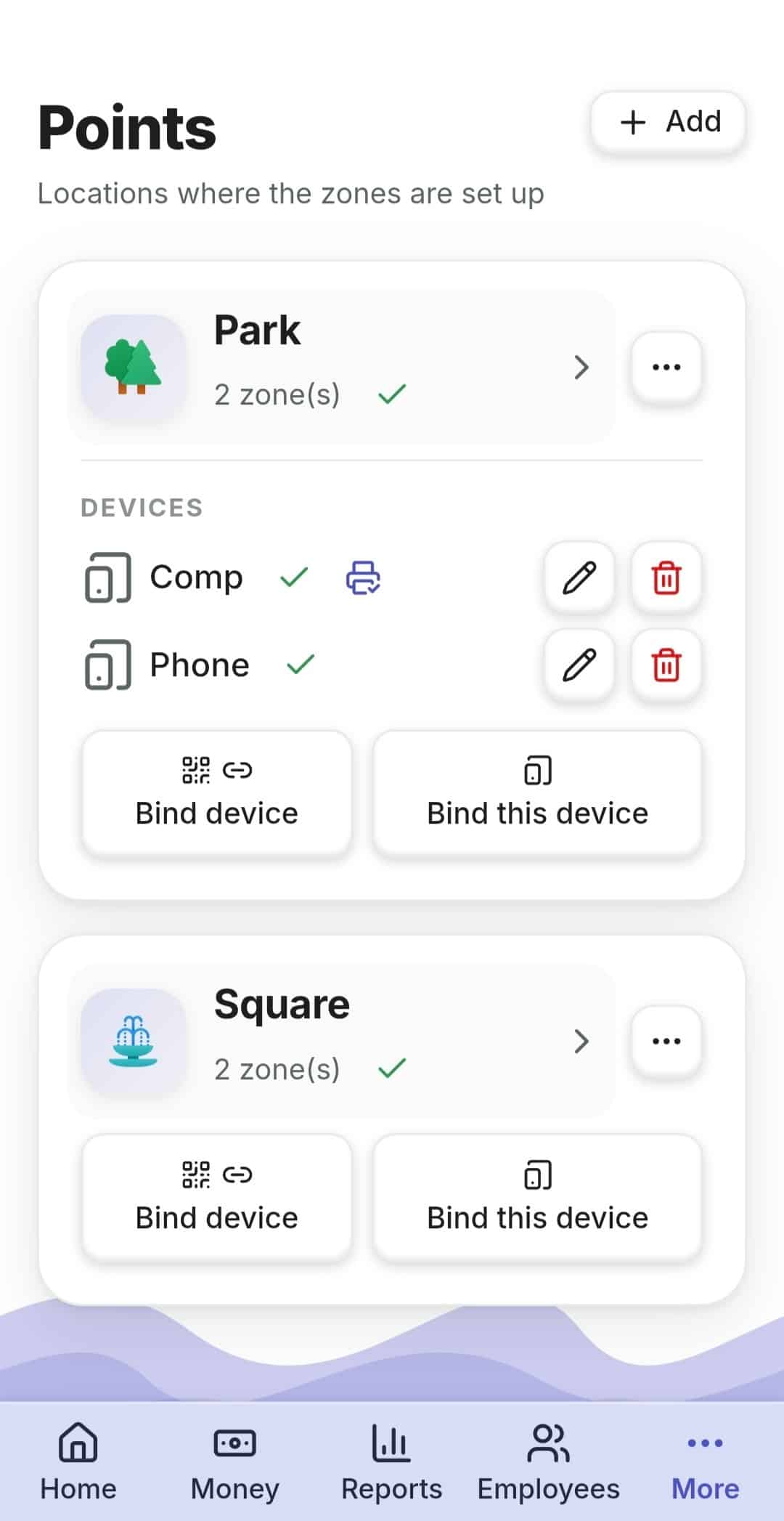
A device tied to the location
Asset locking
Cancellations belong to the owner only
Server time
One ledger for everything
Rental, tickets, products, expenses, cash collections and float all write into a single money ledger. No need to reconcile several tills with a calculator at the end of the month. A single purchase can be split across several payment methods at once.
Cash on hand at the location
Expenses and profit
Cash collections and float
Split payment
Coffee, balloons and everything else sold alongside
Selling extras is separate money and a separate register. In RentOS they live their own life and do not get mixed into the results submission.
Catalogue and a sale in two taps
Held orders
Soft stock levels and stocktaking
Its own till reconciliation

Regular guests come back
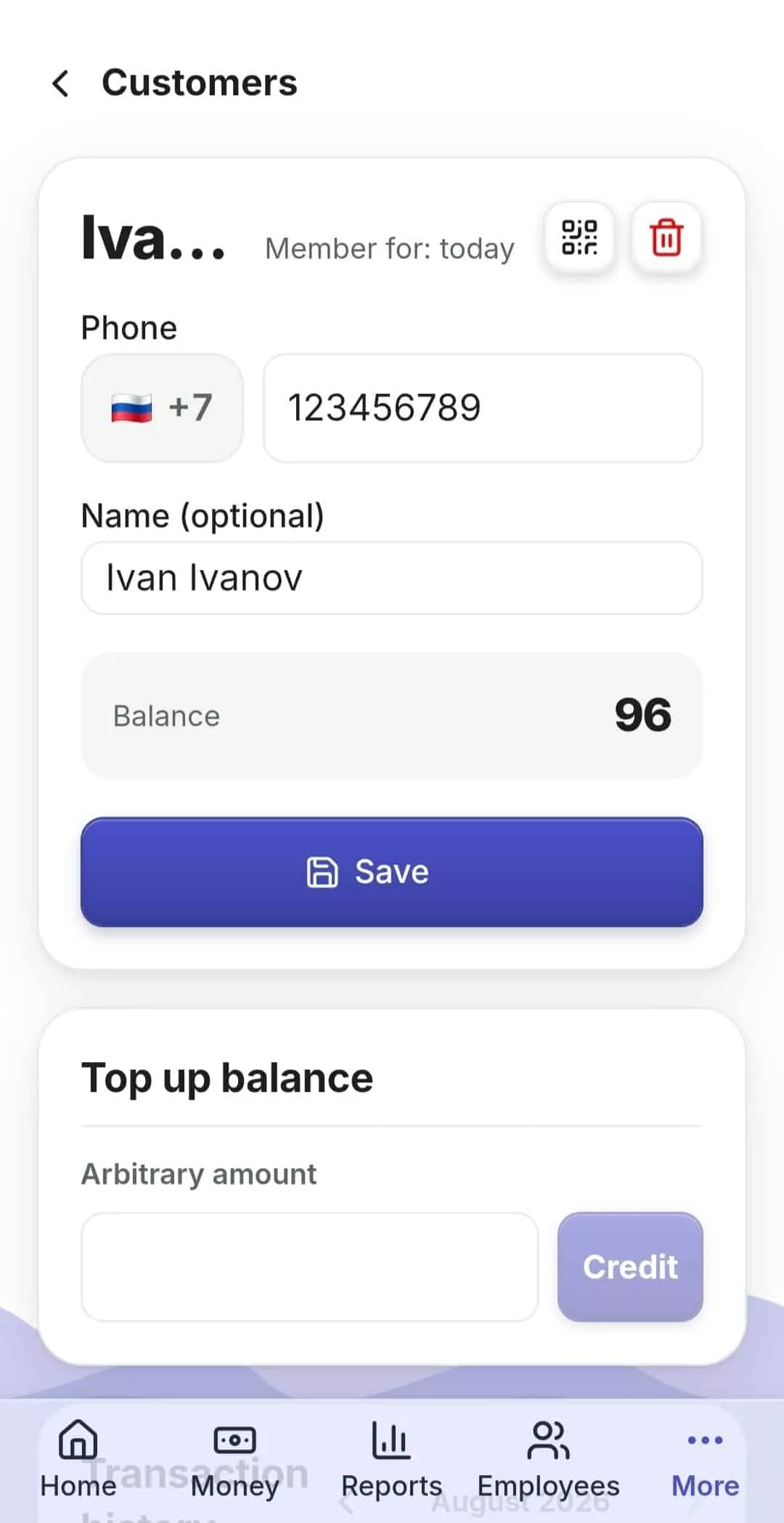
A wallet by phone number
Abonements
Telegram instead of an app

No notebook and no we did explain it
Working time and payroll
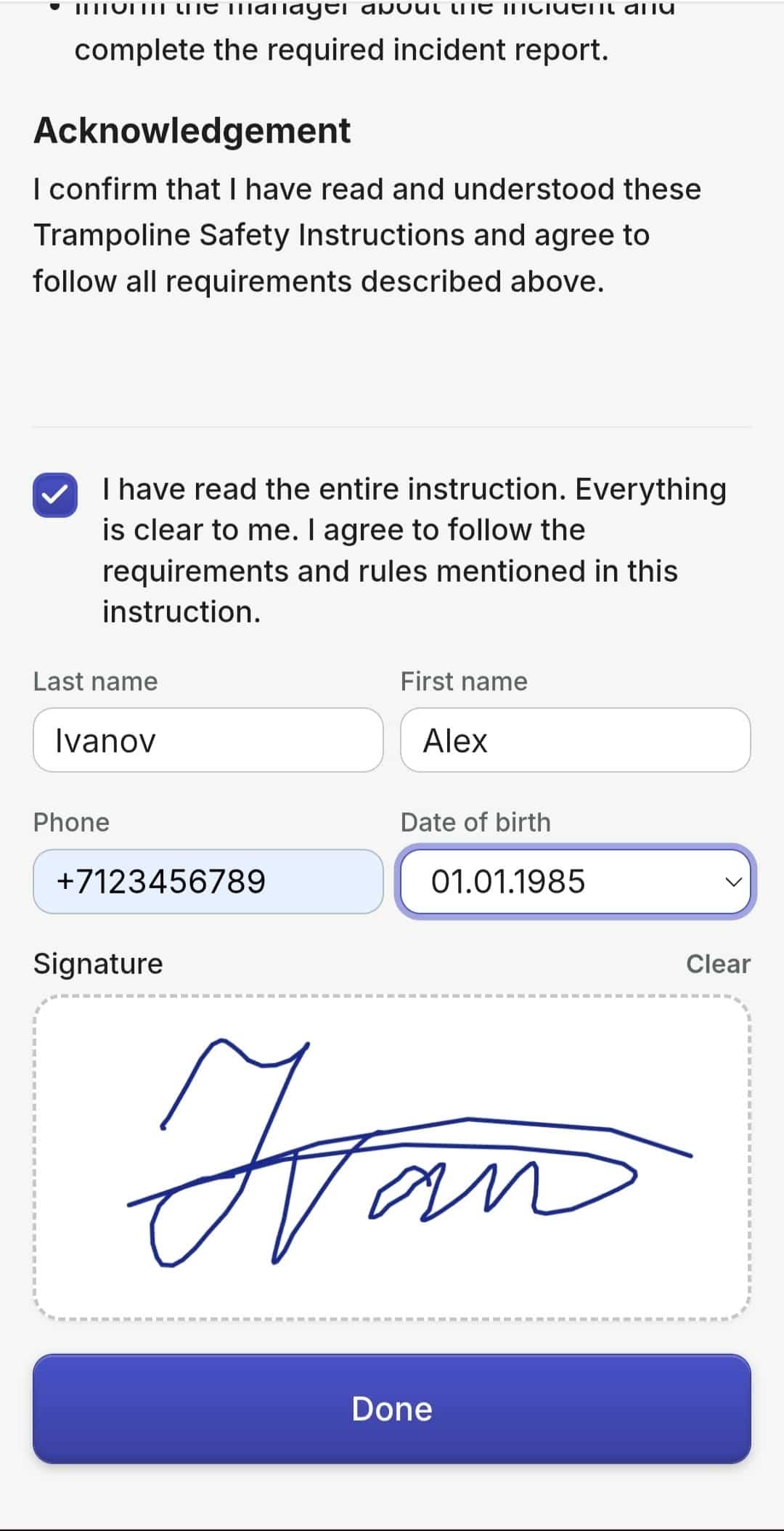
Briefings with a signature
Tasks

You see everything without driving to the site
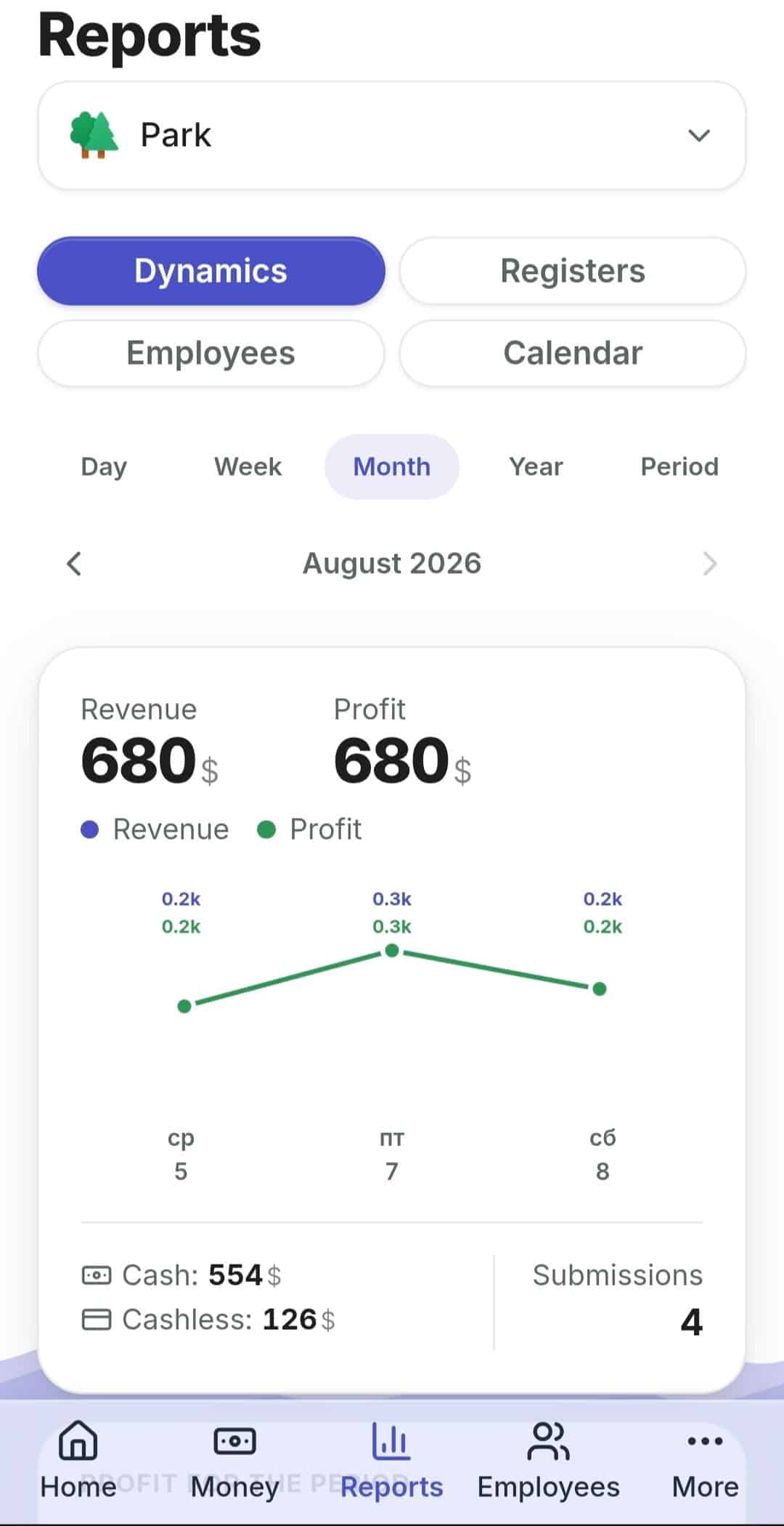
Four reports in the dashboard and two summaries that arrive on their own — Daily till and Shift close, in Telegram and by email. Connected with a one-time code, no tokens and no setup.
Calendar
What happened on each particular day.
Registers
How much each zone and each location brought in.
Employees
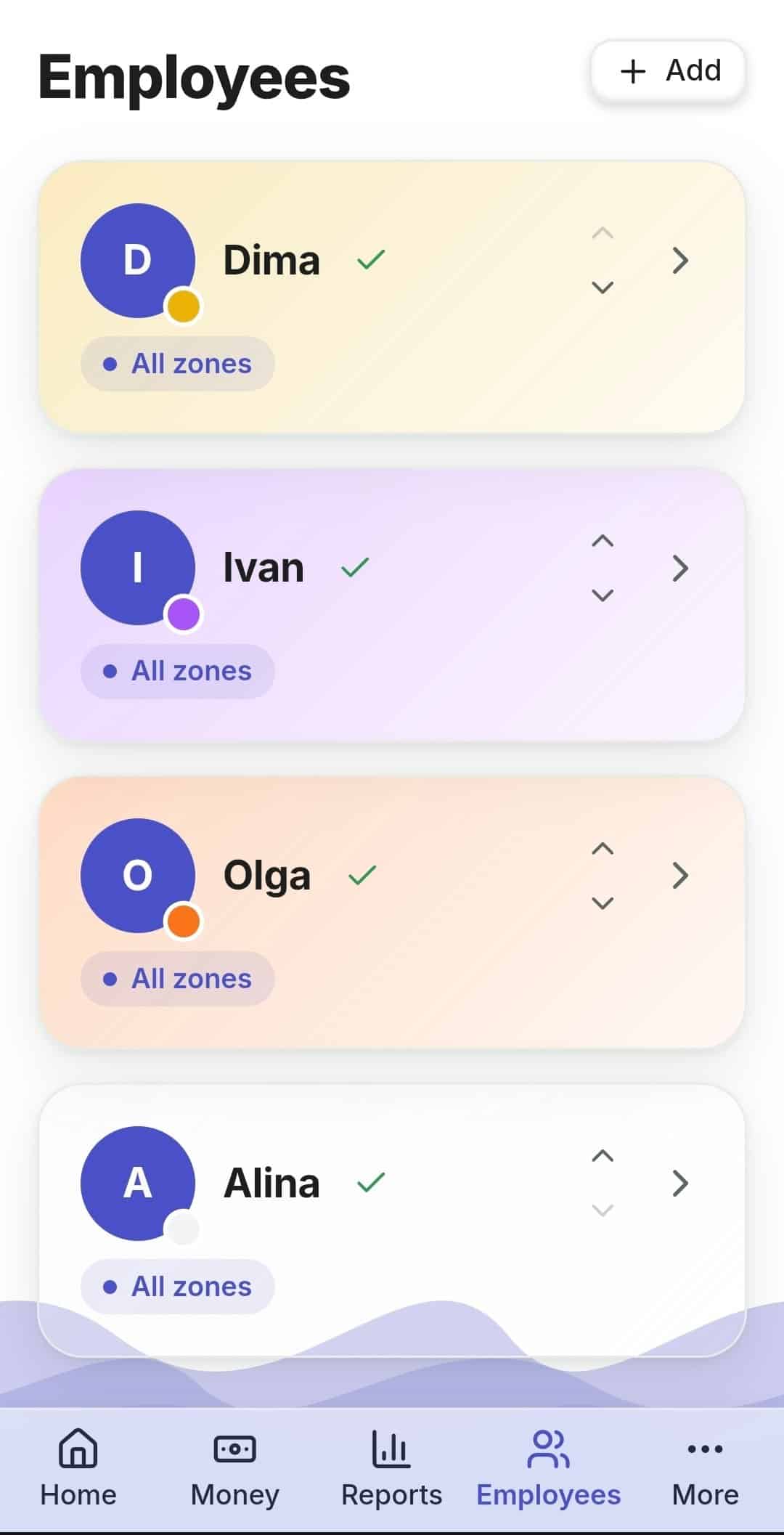
Revenue and Discrepancy broken down by people.
Trends
Revenue and profit trends over a period.
Push notifications about events at the location arrive on your phone. How to reconcile revenue across several locations →
A landing page for social media and search
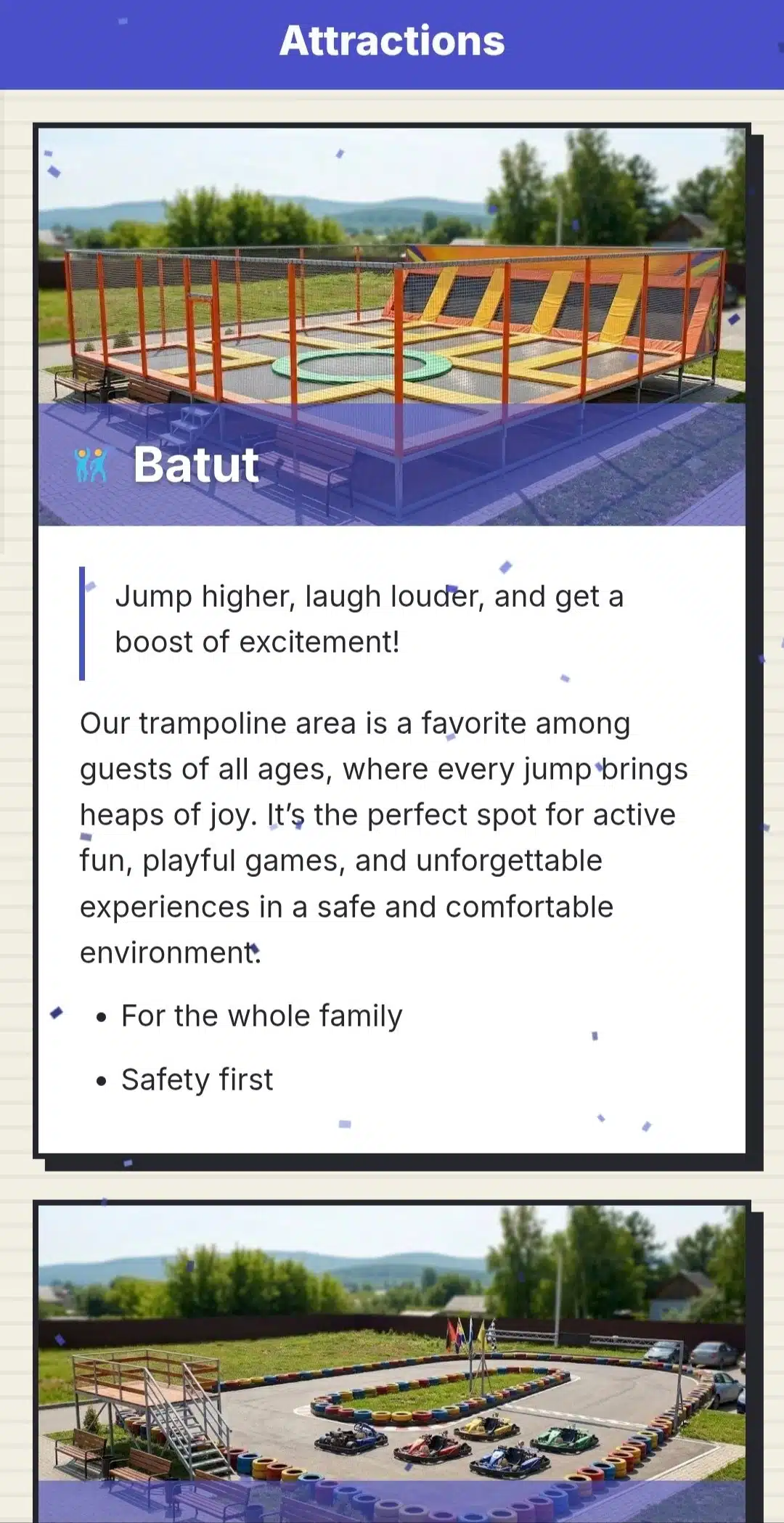
The company has a single public address — one page for the whole business, with all its locations and zones. It is built from your dashboard data: services, prices, addresses and opening hours, photos. Change a rate and the page updates itself, with no contractor and no “publish” step. It shows a live “open today” status based on the locations’ schedules, and visits are counted by our own statistics, without external trackers.
On the device you already have to hand
No special till, no POS terminal and no install from an app store. An old tablet, an ordinary smartphone or the computer behind the counter.
The app from a link
Survives a network outage
The look is yours
Questions and answers
Does RentOS suit me if I run several different formats on one site?
Yes, that is the standard case. Each zone is set to its own accounting mode: electric cars by counters, trampolines by launches, the play room by time, a quest by tickets. Reports, the money ledger and the results submission stay shared — you see the whole location, not four separate systems.
Do I need to buy special equipment?
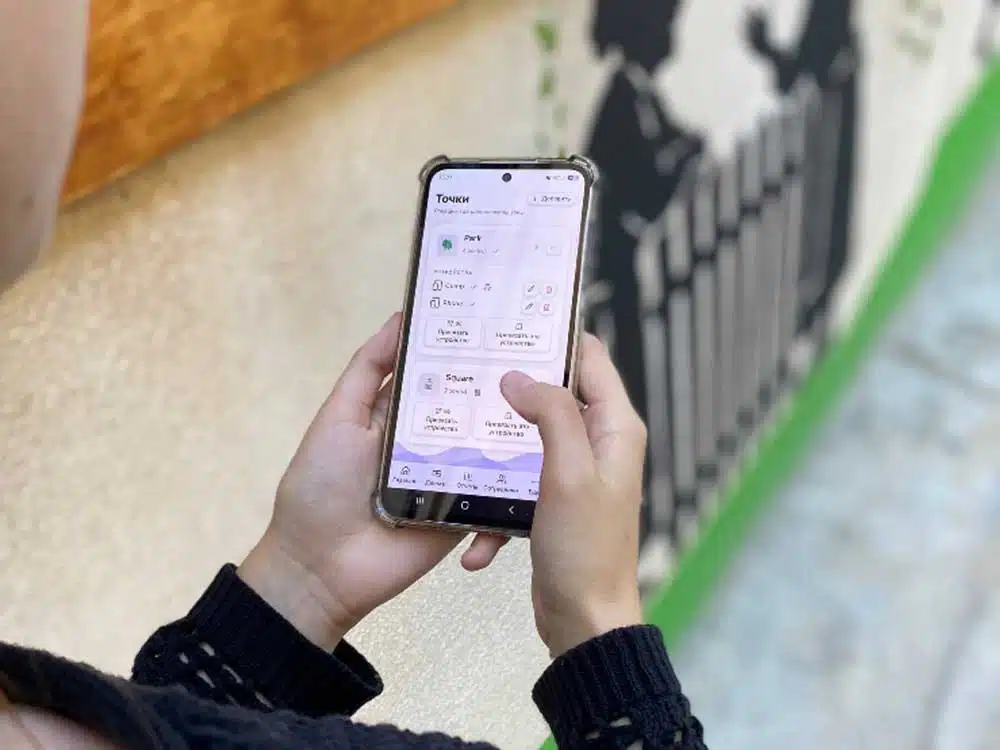
No. Any tablet, smartphone or computer with a browser will do. The employee app goes onto the home screen from a QR code, without an app store.
What happens if the internet goes down at the location?
A results submission will not be lost: the data is saved on the device and sent once the connection is back.
How does the system help spot a shortfall?
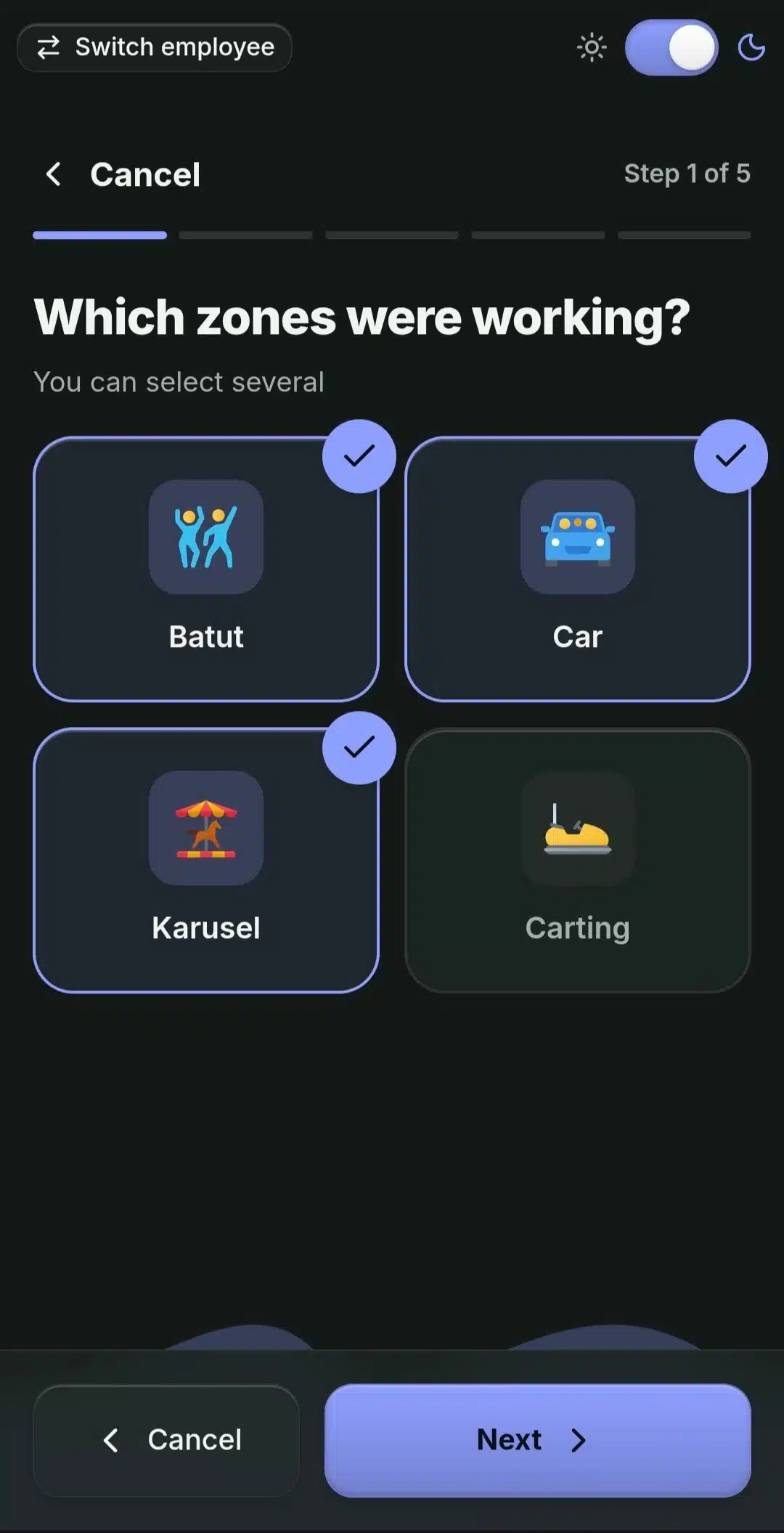
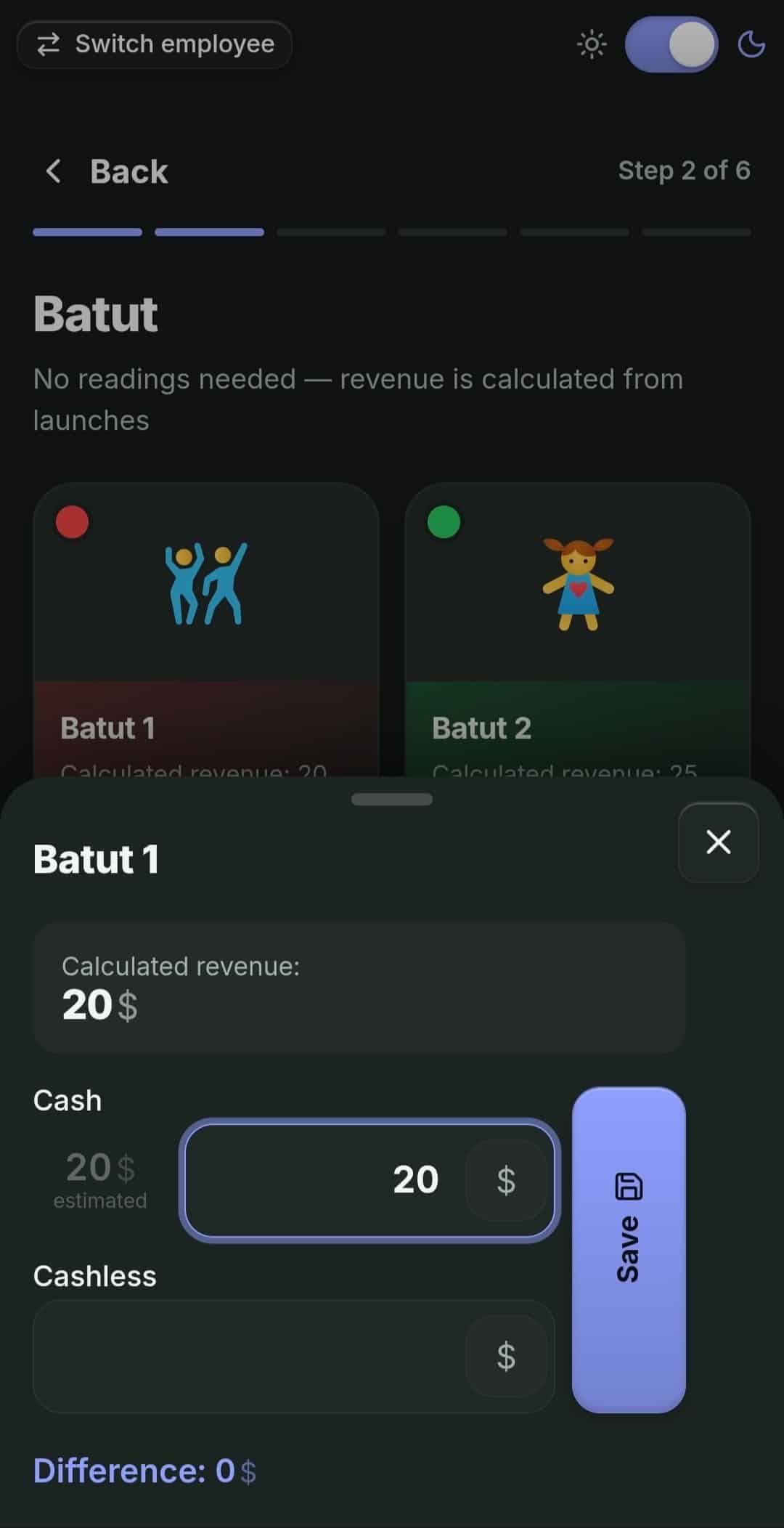
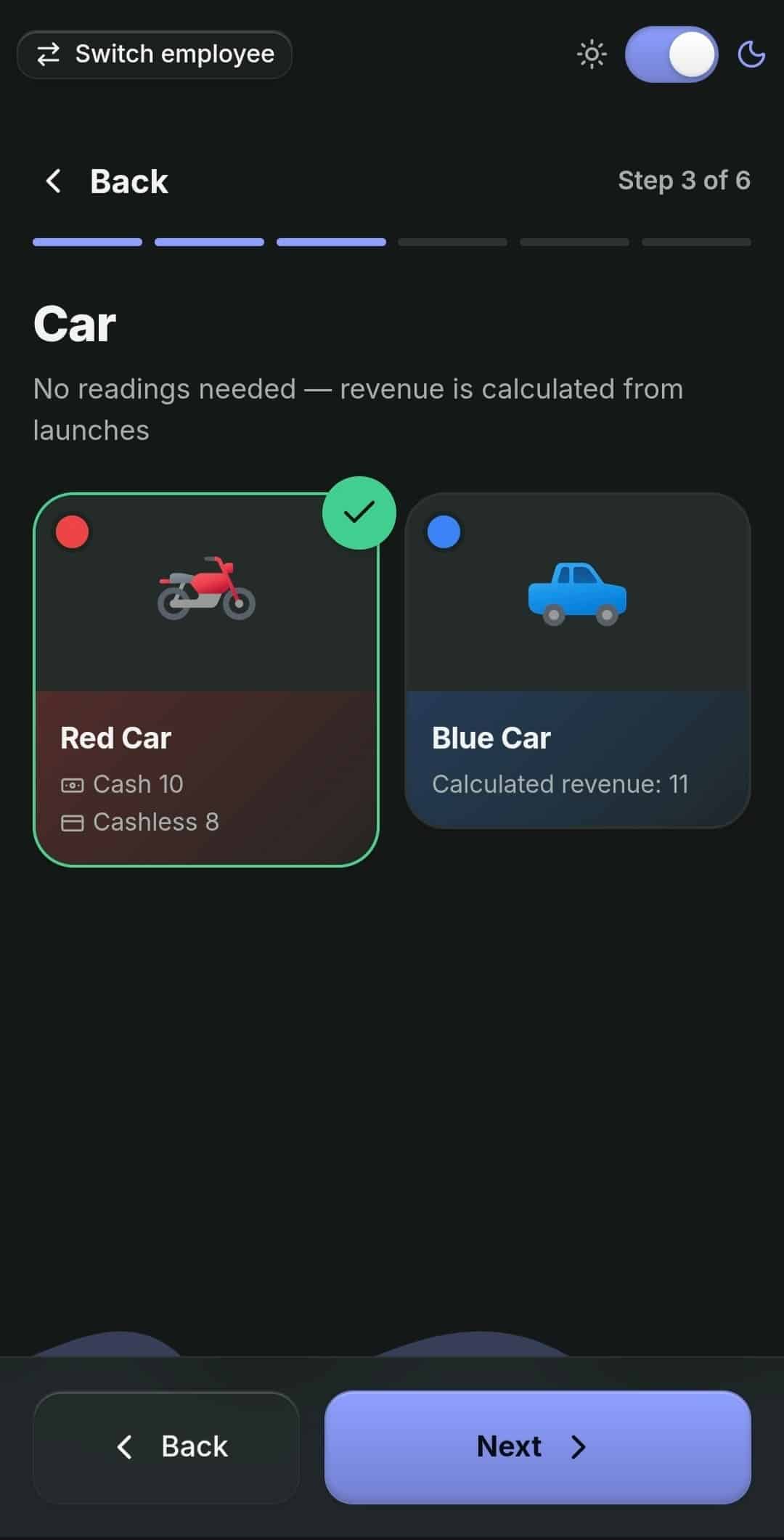
At every results submission the system works out the calculated revenue from sessions, readings and tickets, while the employee enters what actually ended up in the till. The gap — the Discrepancy — is visible the same evening for a specific zone and a specific employee.
Can I limit an employee access to other zones?
Yes. An employee sees and submits only the zones they are assigned to. On a given device you can leave only the needed assets available. Sign-in is by PIN, and on dismissal access closes instantly.
Does RentOS work if I sell not only rental but products too?
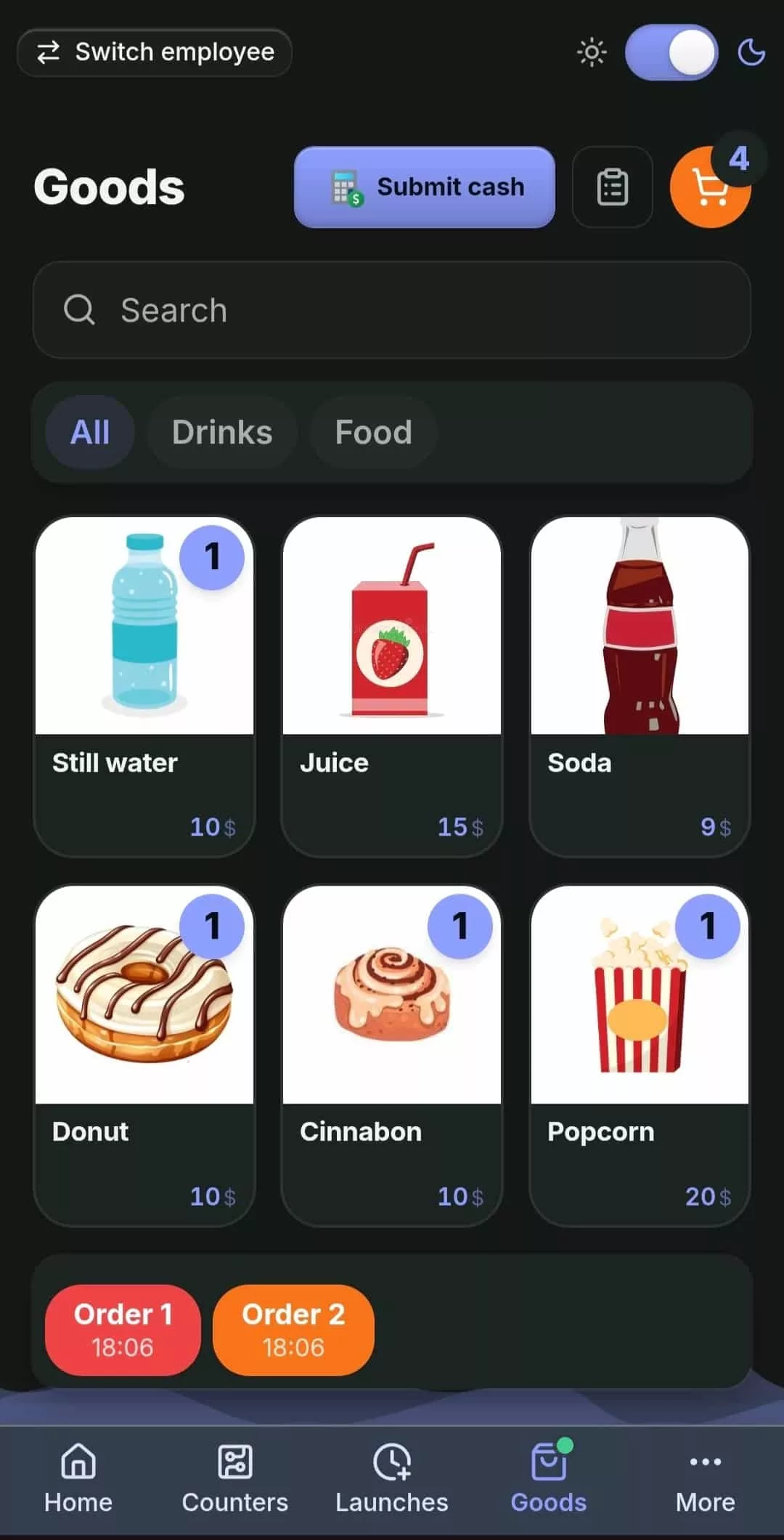
Yes. There is a catalogue with categories, a sale in two taps, held orders for tables, soft stock levels with stocktaking, and a separate till reconciliation unrelated to the rental results submission.
What does it cost and what is included in the free period?
The first 30 days are free and need no card: signing up takes only a business name, email and password. After that the plans differ only in limits — the number of locations, zones, assets and employees. The features are identical on every plan.
Which languages does the interface support?
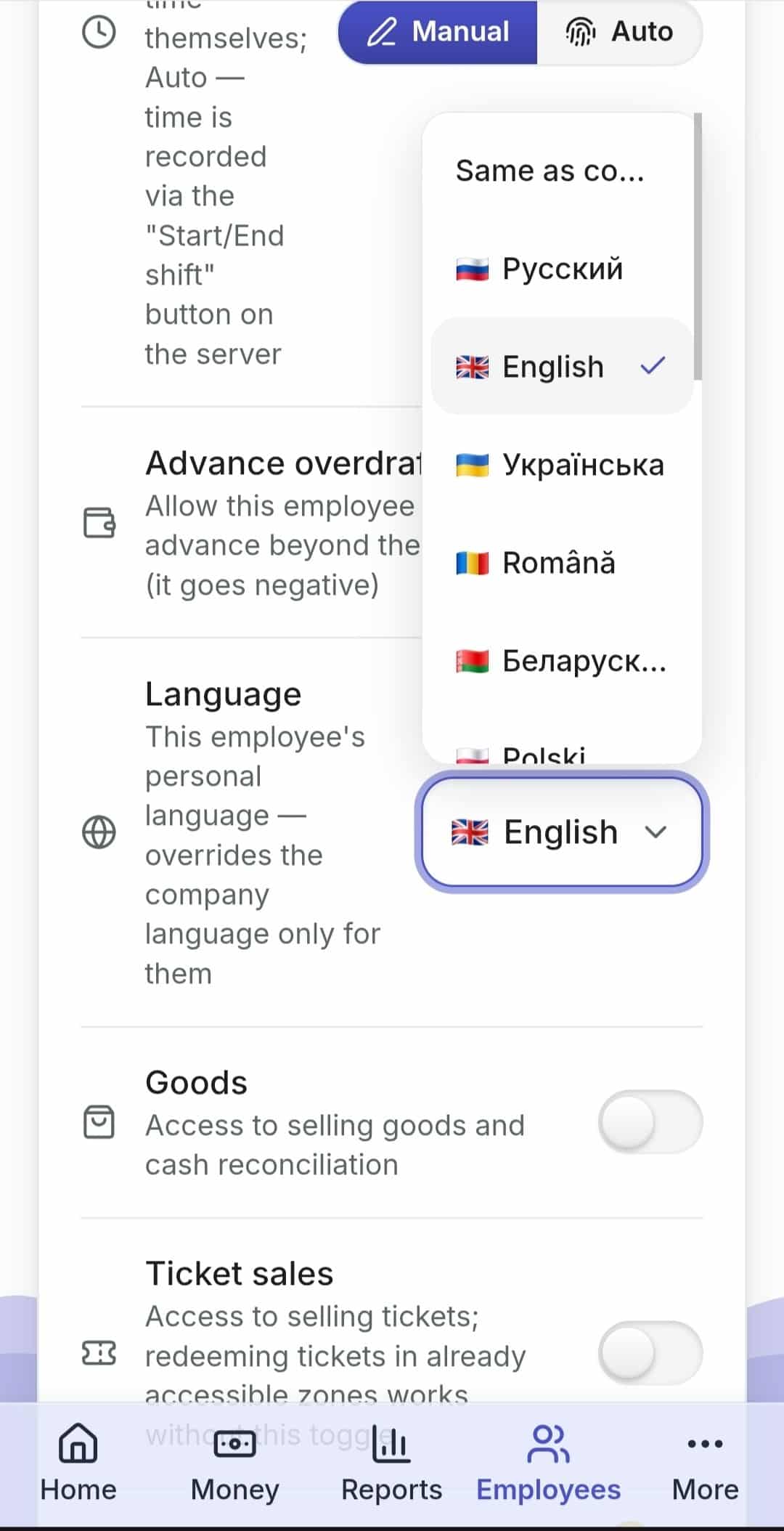
Fifteen. The language is chosen not for the whole business but by each employee personally.
How it looks inside
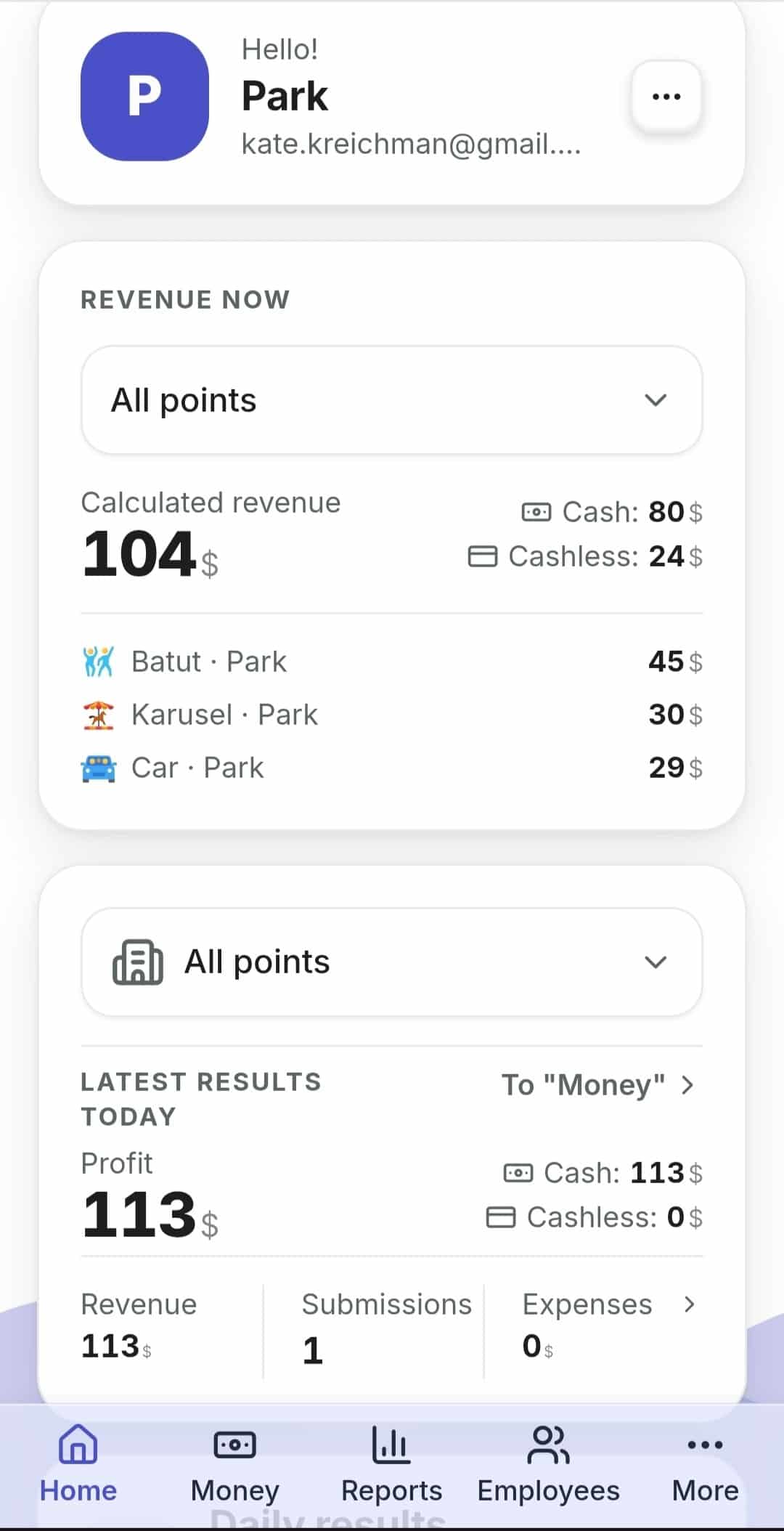
Real screens — pick a tab and tap any shot to take a closer look.
Open the dashboard and test it at your own location
Your zones, your assets, your prices. Signing up takes only a business name, email and password.
We keep improving it from customer feedback

 Русский
  English
  Українська
  Italiano
  Română