
While the landing page is not published, only you can see it — via a secret preview link.
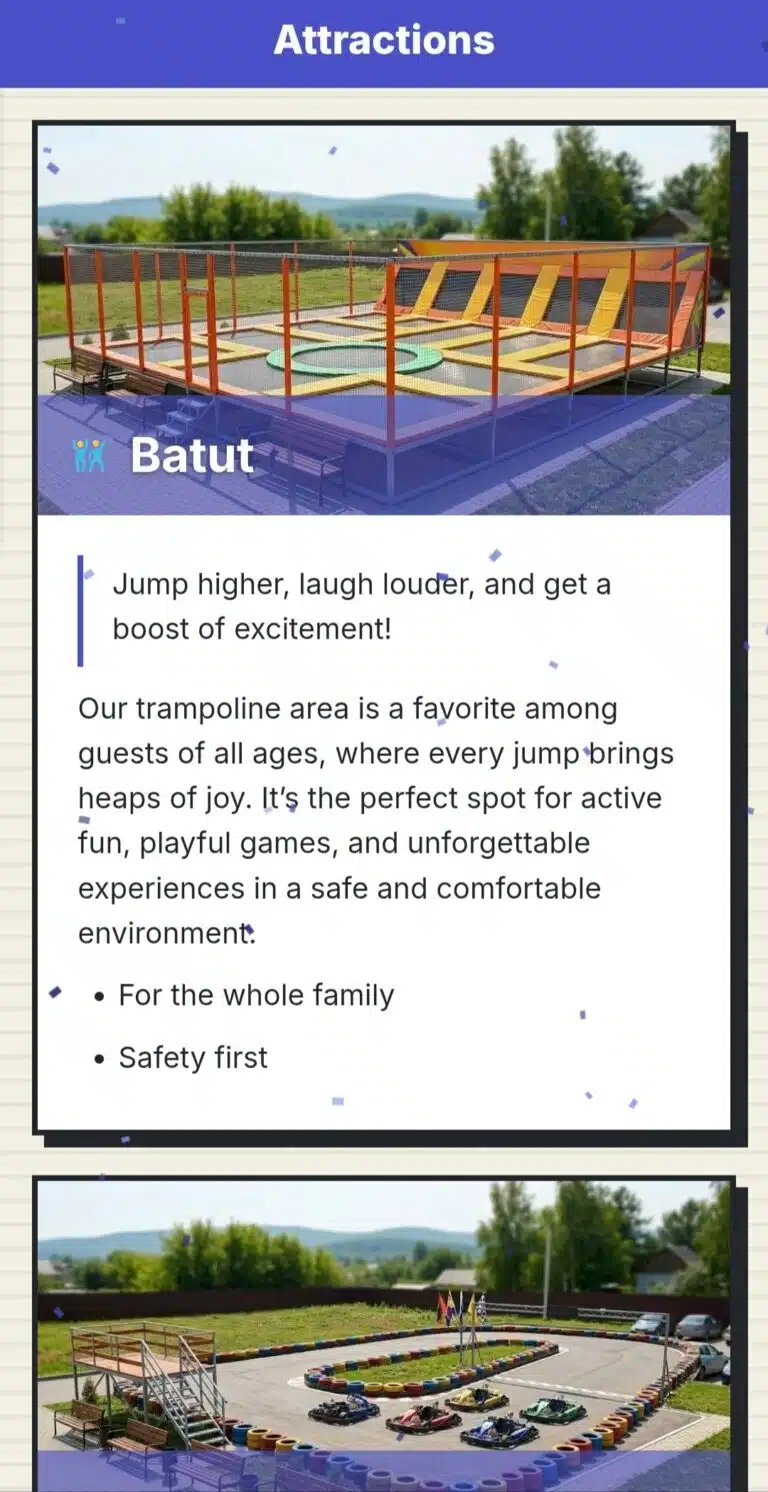
- Open "Landing" → "Content".
- Click "Preview" to see what the page will look like for visitors.
- Once everything looks right — click "Publish".
- Share the link or the QR code with your visitors — on a banner at the point, on social media, anywhere.
What to Do If… #
…you need to temporarily hide the page? "Unpublish" — the page becomes unavailable, but all settings are kept, and it can be published again at any time.
…you changed the company name? The landing page address does not change by itself — when renaming the company, a separate "Also update the link address" checkbox appears if you want to update that too.
 Русский
  English
  Українська
  Italiano
  Română