
For a staff member to be able to work at a point, set up a profile with a PIN for them — they will use it to sign in on the point's device.
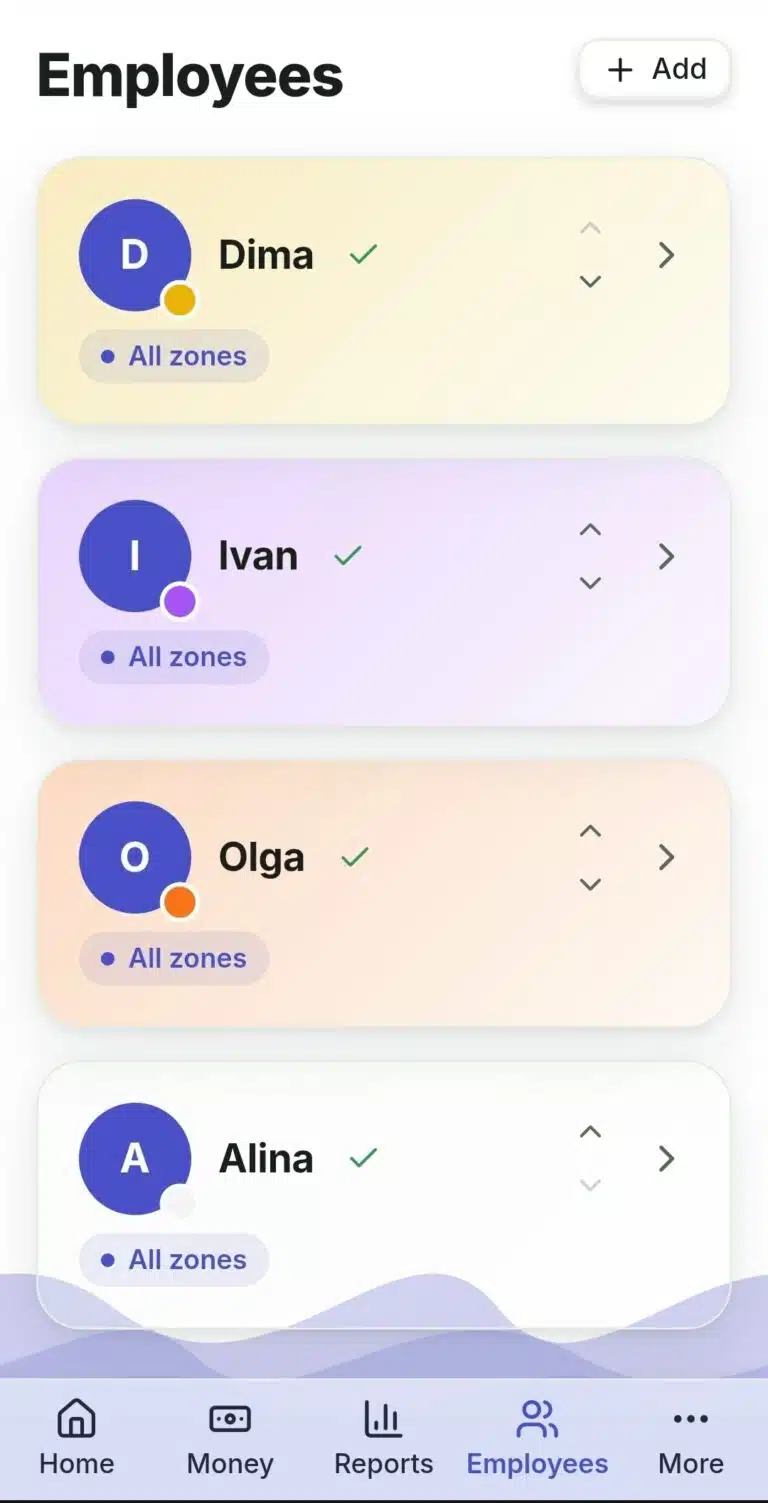
- Open the "Staff" section → "New Staff Member".
- Enter their name.
- Come up with a 4–6 digit PIN — the employee will use it to sign in.
- Save.
- Open the staff member's settings and set "Zone Access" — all zones or only selected ones.
- Optionally add a photo and a color tag (useful in summaries and reports).
What to Do If… #
…a staff member forgot their PIN? Staff member menu → "Change PIN", enter a new one.
…a staff member no longer works here? If they already have a results submission history, deletion is not possible — only deactivation. Full deletion is available only while there is no history at all.
…a staff member has an open shift at the moment of dismissal? You can still deactivate them — you'll be able to close the shift later, in their profile, in the "Work Time" section.
 Русский
  English
  Українська
  Italiano
  Română