
A point is your physical address (a park, venue, or shopping mall) that already contains zones with assets.
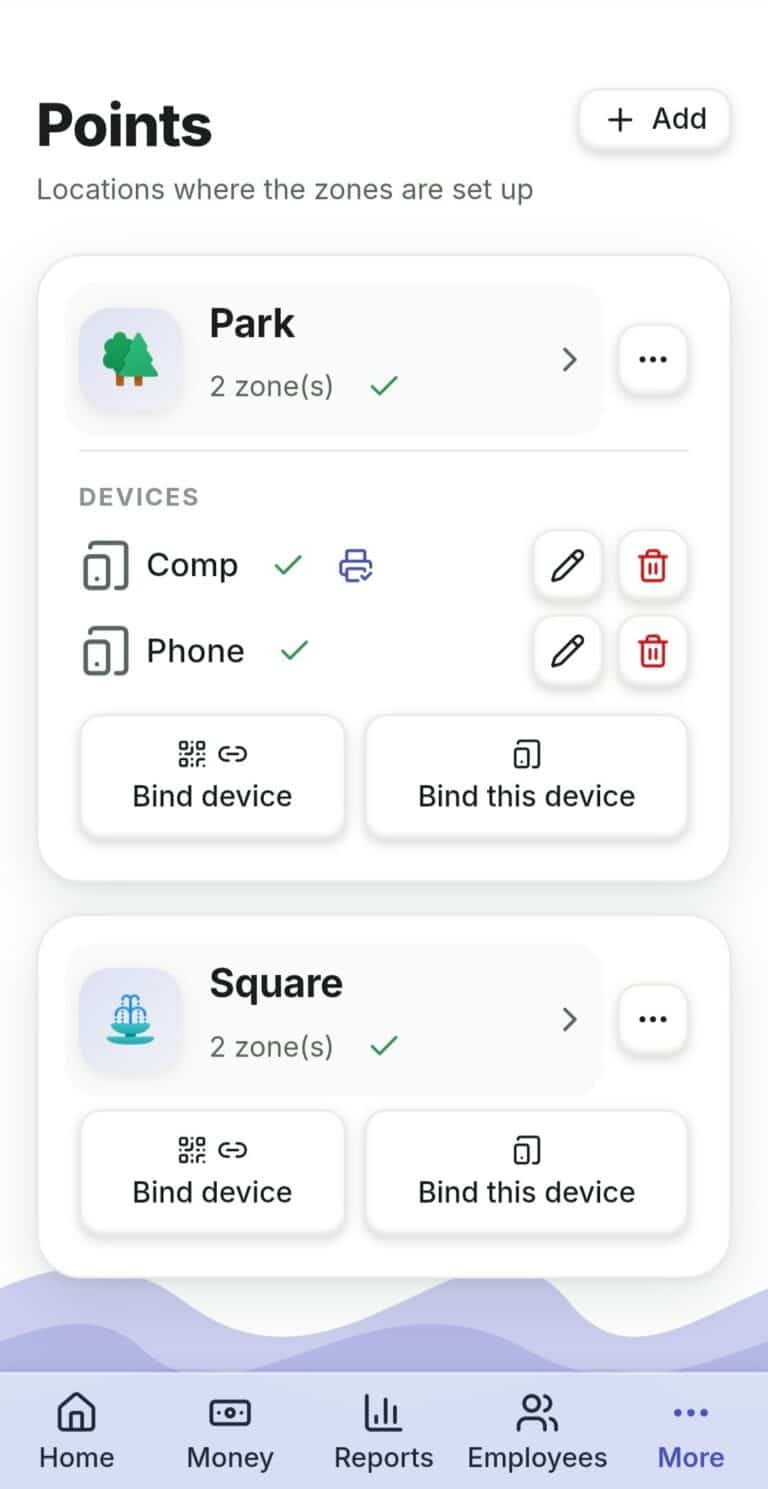
- Open the "Points" section → "New Point".
- Enter a name and, if you like, an address; choose an icon.
- Save.
- Later, if you need it, fill in the full address and opening hours — the point menu → "Address and opening hours" (city, coordinates, map link, hours by day of the week). This is needed, for example, for your public page (the Landing).
Please note: a new point is created switched off, and until you switch it on a staff member will not be able to work with it — see "How to Switch On a New Point, Zone, or Asset".
What to Do If… #
…a point is temporarily closed (off-season)? Don’t delete it — deactivate it: the "Deactivate point" item. You can turn it back on at any time.
…you need to delete the point entirely? Keep in mind: all its zones and assets will be deleted along with it.
 Русский
  English
  Українська
  Italiano
  Română